◉ MetaScope macOS 15.4+ · native v1.5.0 · build 50 Index · 001

Professional metadata editing for macOS

Calm tools for
the metadata
that matters.

A native macOS app for photographers, archivists, and digital asset managers who care about accuracy, scale, and control.

Edit EXIF, IPTC, and XMP across 50+ formats including RAW, with a 128-field registry, integrated search, templates, automation, and document export. Built for libraries with hundreds of thousands of files.

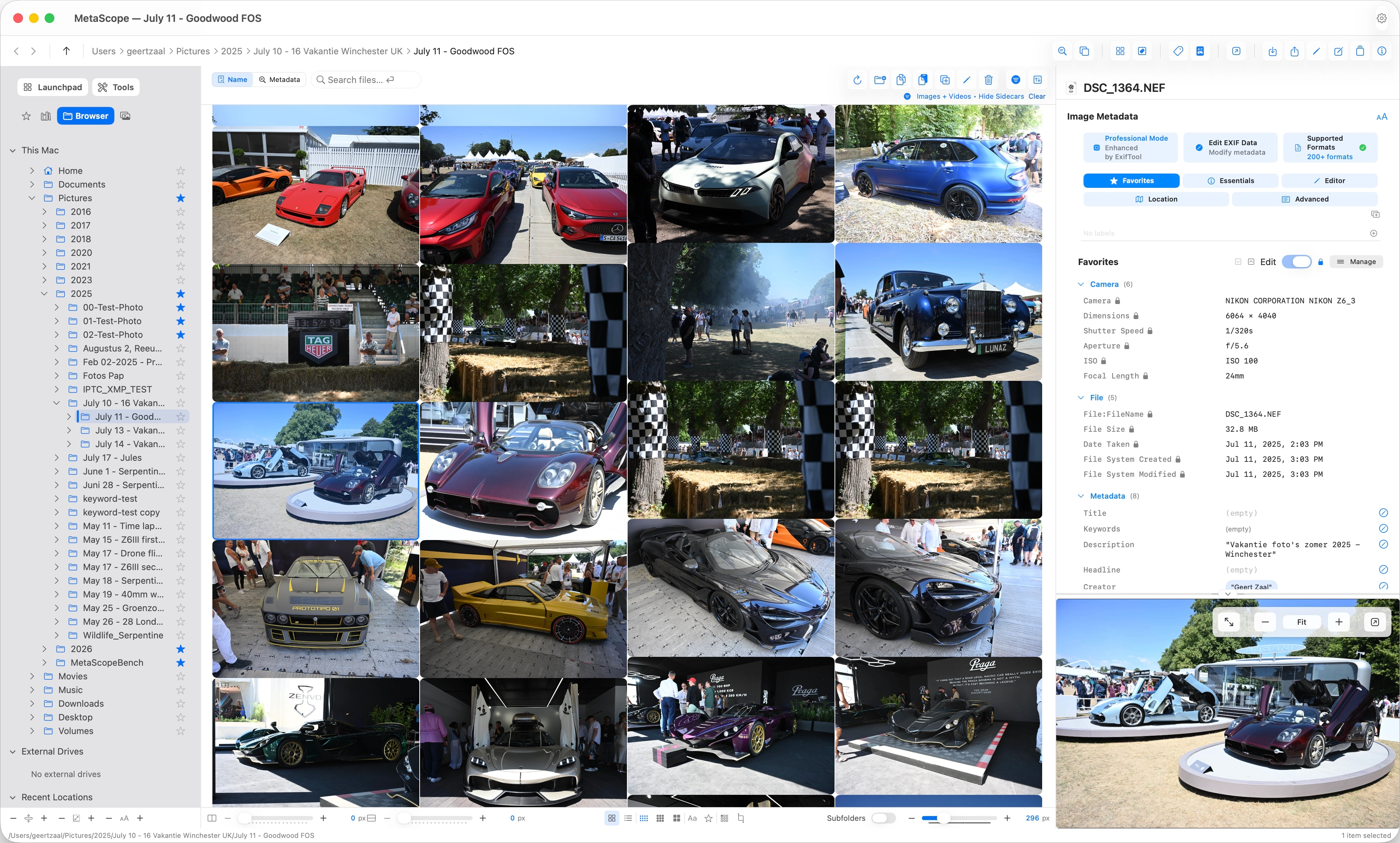
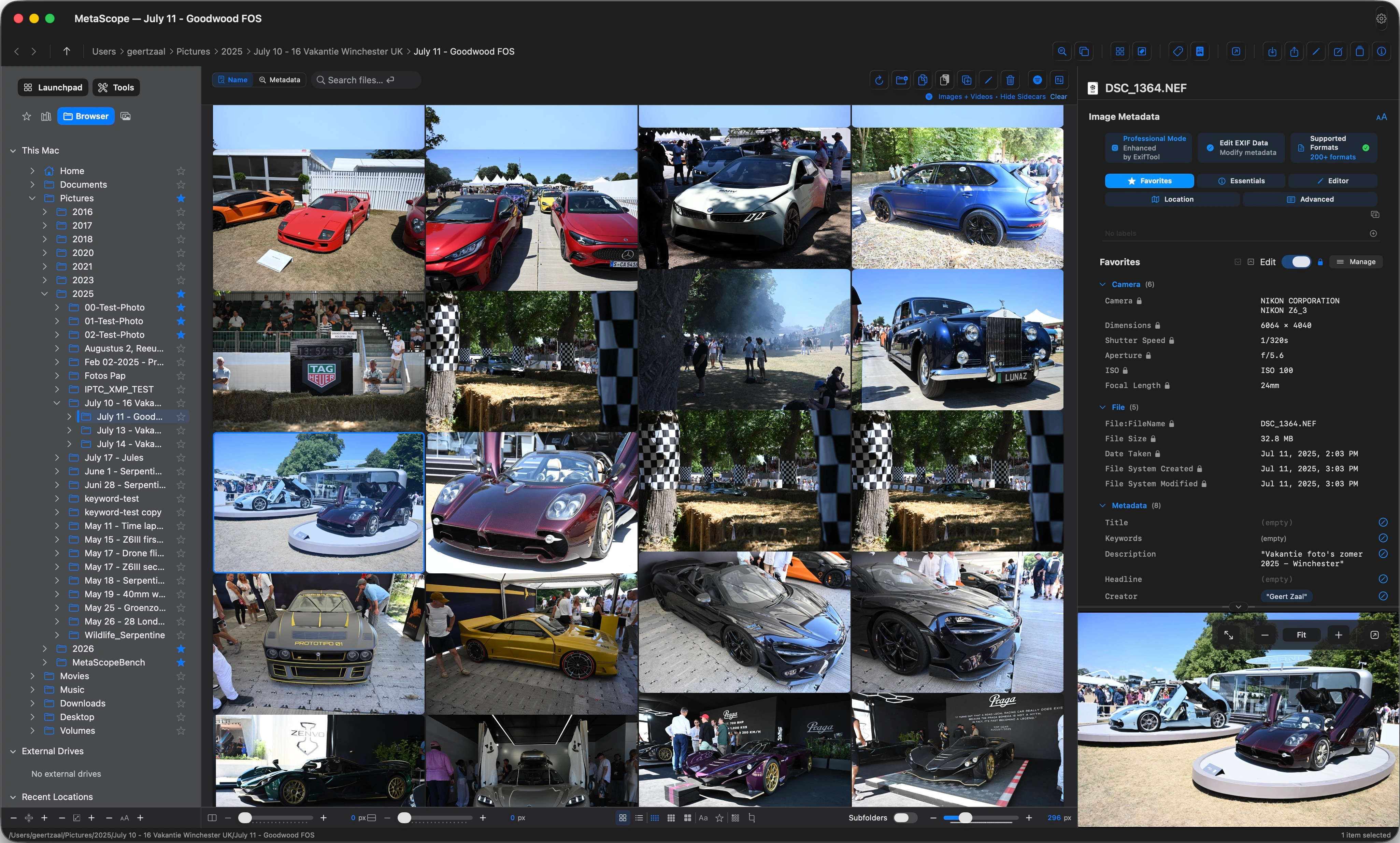
MetaScope file browser with masonry thumbnail grid, four-tab sidebar (Favorites, Libraries, Browser, Photos), Launchpad and Tools strip, footer toolbar with spacing and view controls, and metadata inspector on the right
MetaScope: four-tab sidebar, masonry grid, footer toolbar, metadata inspector.
§ 01 / Capabilities

Nine focused capabilities, one native app.

Core · 09
§ 02 / Highlights

Three marquee moments; depth lives on its own pages.

3 · 6 · 9
New in v1.5 · Intelligence

On-device AI, private to your Mac.

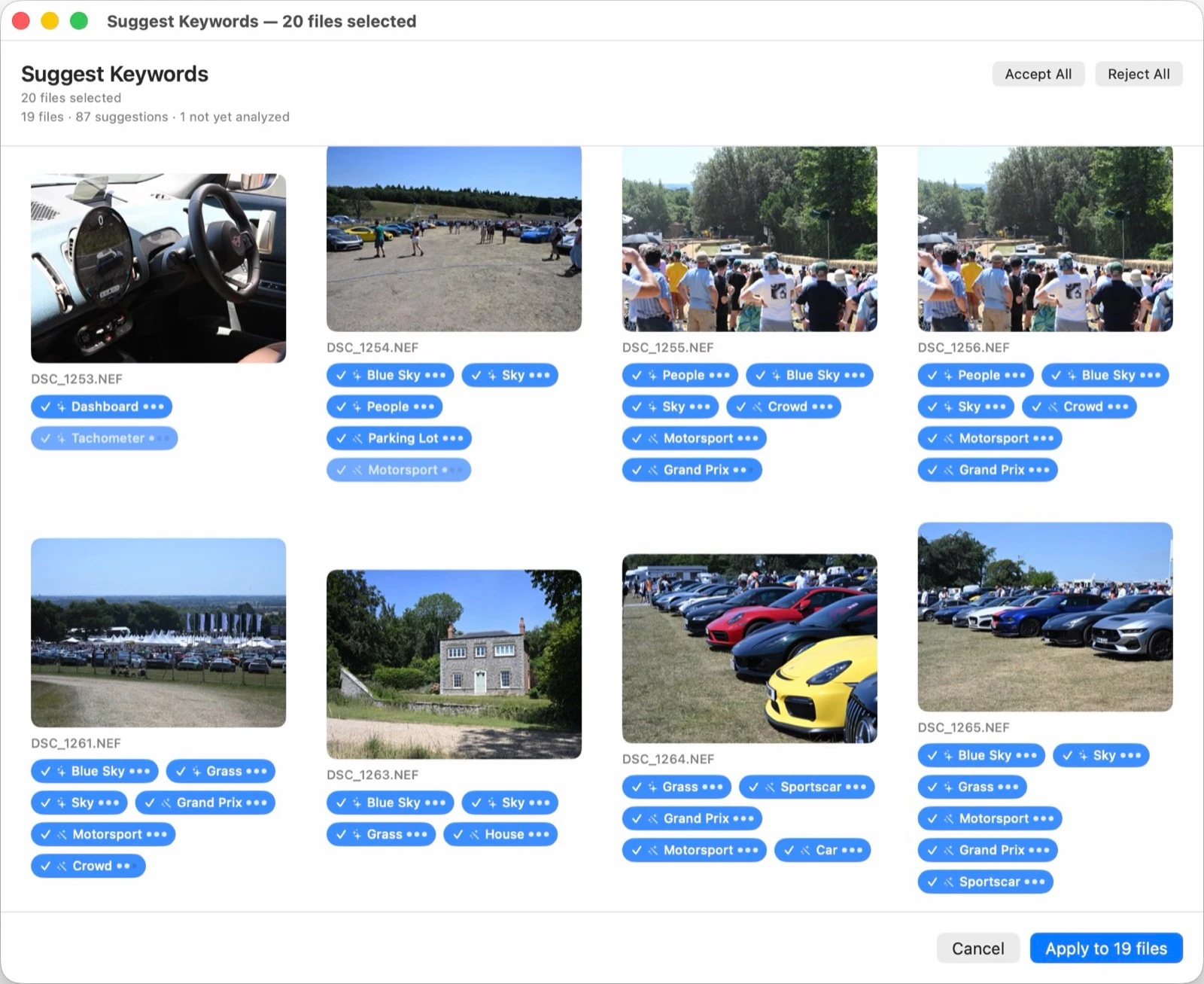
AI photo descriptions in four tones, smart Vision keyword suggestions across 1,000+ subjects, and Enhanced Recognition. Everything runs on your Mac, and nothing is written until you confirm.

Explore Intelligence
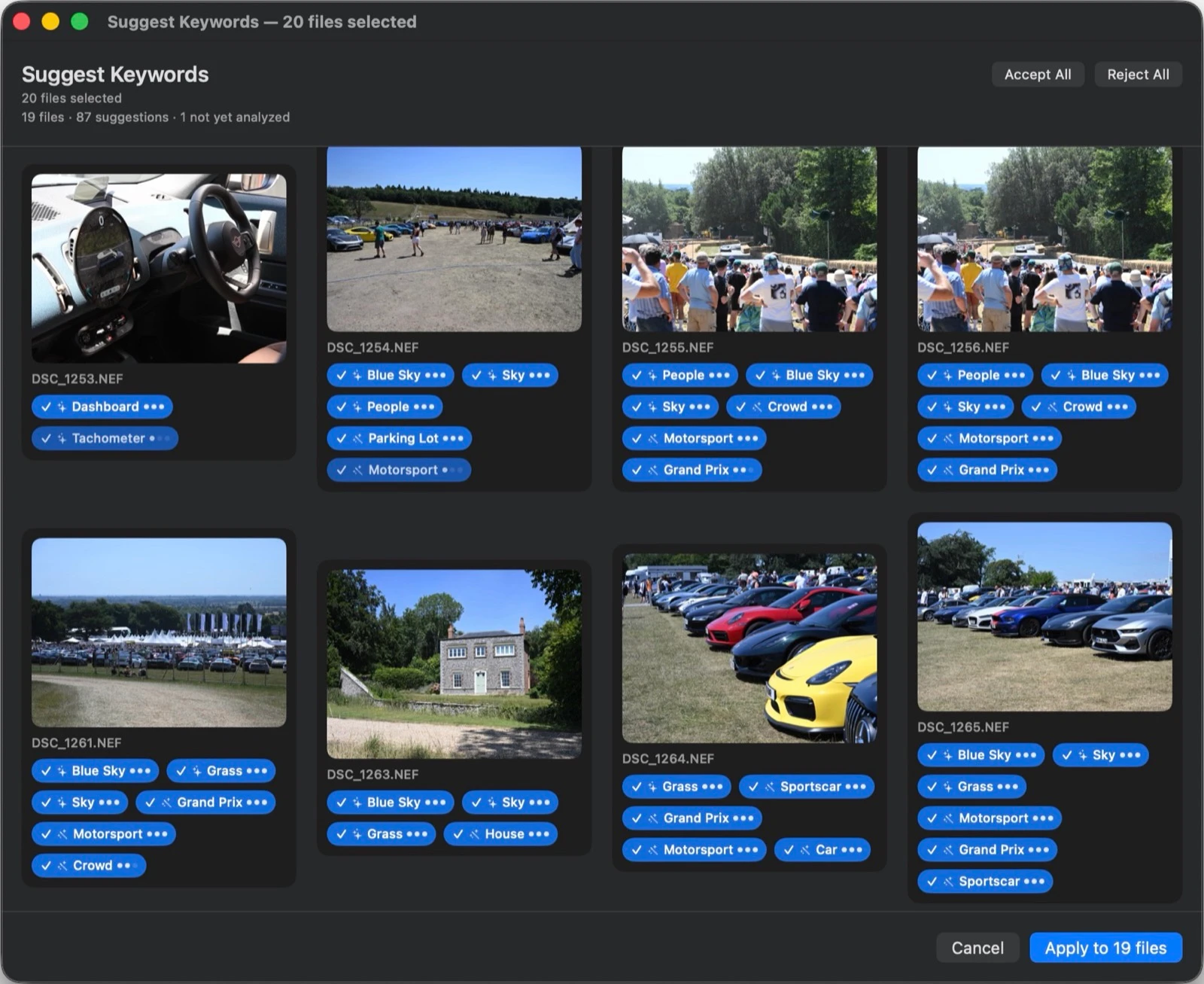
MetaScope Suggest Keywords review grid with badged Vision keyword suggestions across a folder of photos
Batch

Batch operations at 100,000+ files.

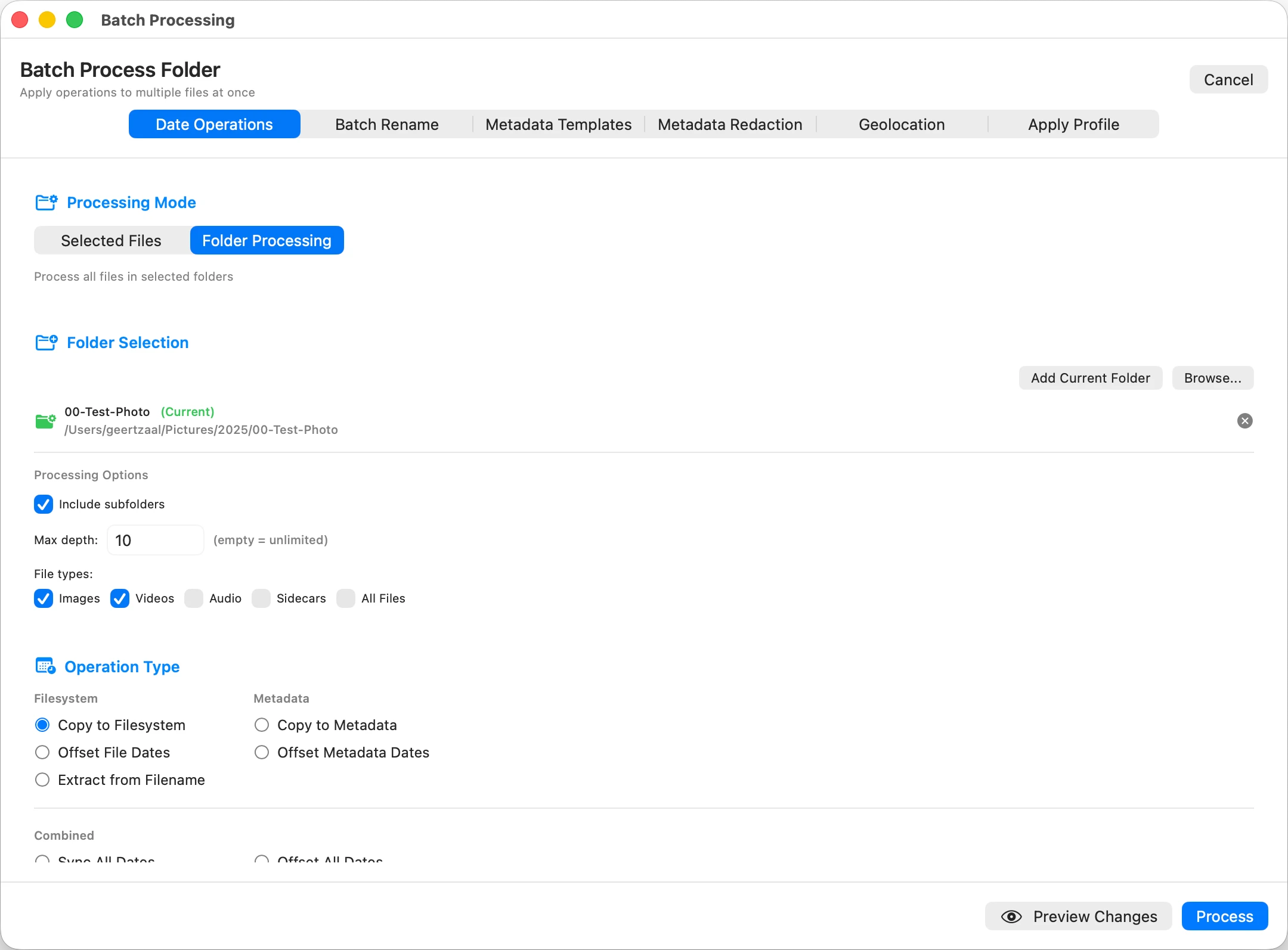
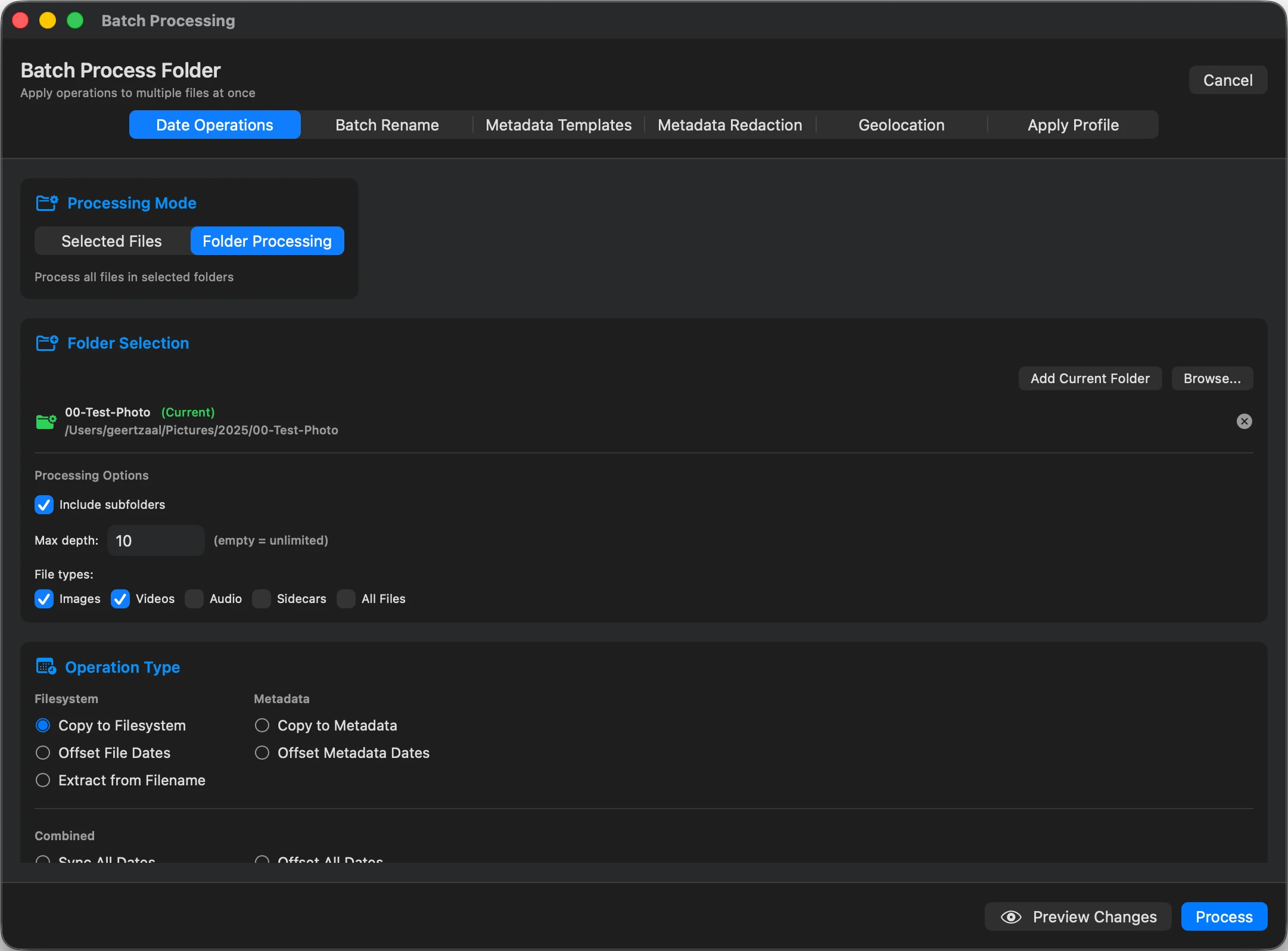
Template application, date operations, privacy redaction, and rename rules across your whole library, with checkpoint recovery and stop-and-resume.

Fix photo dates in bulk
MetaScope batch processing across template application, date operations, privacy redaction, and rename rules
Templates

Set your metadata once, apply it everywhere.

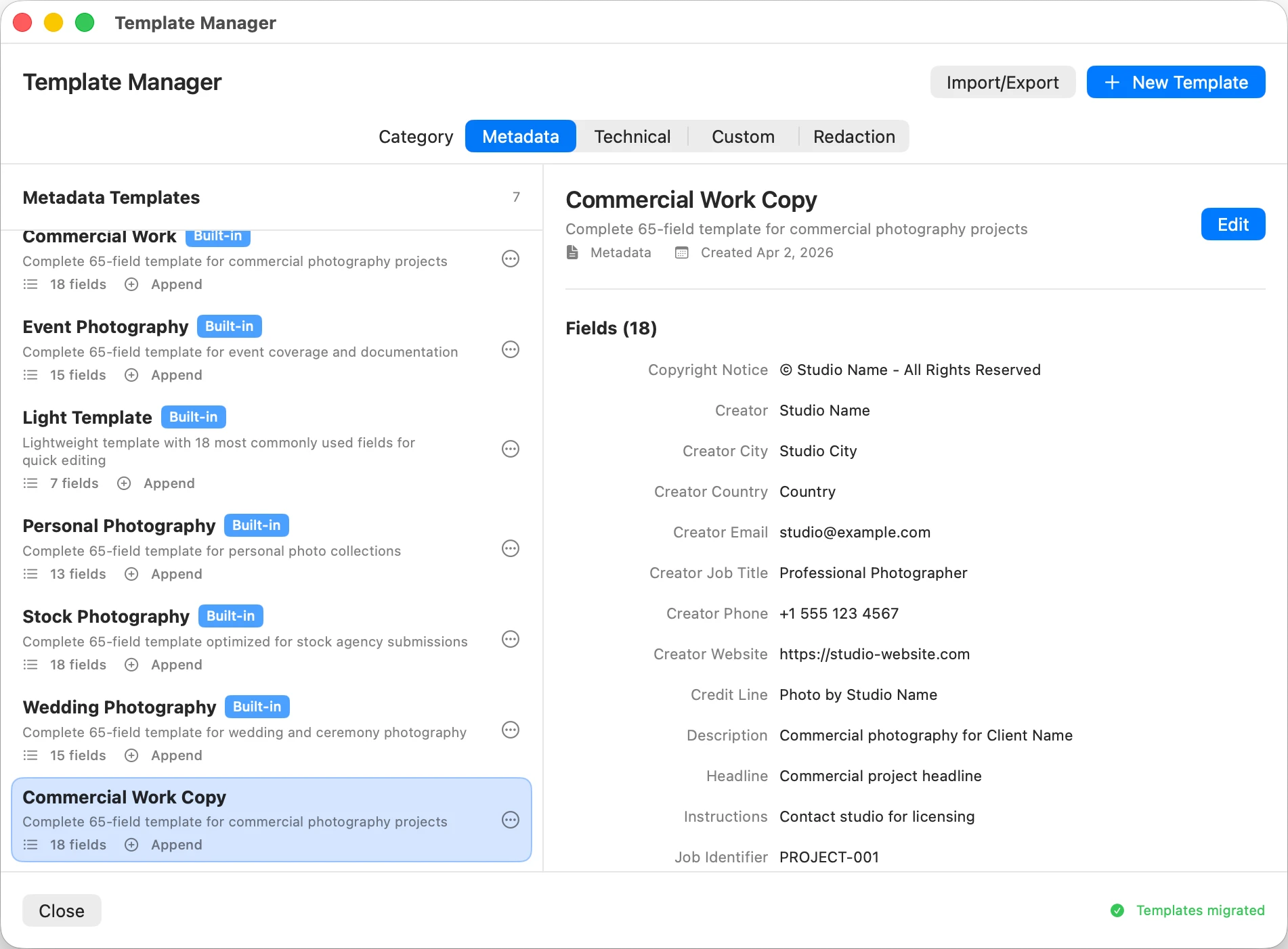
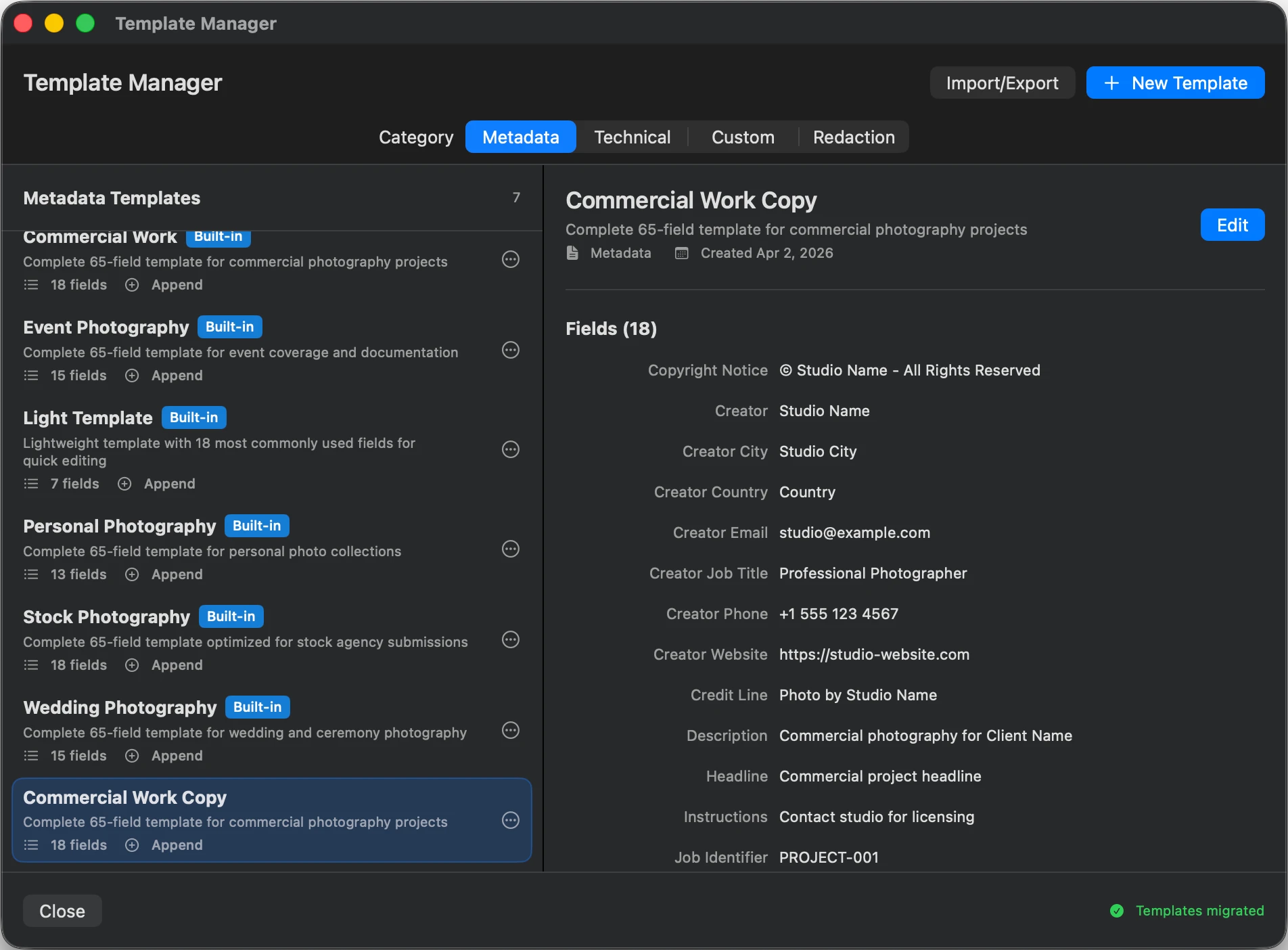
Pre-built templates for stock, nature, portrait, and event work, or build your own across the 128-field registry. Apply to thousands of images with preview and full undo.

Set copyright once
MetaScope Template Manager with pre-built templates across Metadata, Technical, and Custom categories
§ 03 / Praise

"The only one deserving the label of a true metadata studio."

Review

I have tried all the tools available out there. MetaScope is one of the most impressive software pieces around, the only one deserving the label of a true metadata studio, IMO. Besides being the only "aesthetic" metadata tool I know (one you want to work with!) it also has a truly uniquely useful architecture and UI/UX concept.

All that while it is genuinely geared to professional work by now even topping the known "boss types" in the field, when it comes to thorough, systematic and ergonomic use. Where other (leading) tools offer boxes and dropdowns dreadful to turn to, MetaScope lays out a luxurious workbench, inviting one to true artisanship (and a drink). This will be the benchmark soon, if it keeps on track…!


lerone-b "best hope for photo metadata studio" · May 12, 2026
§ 04 / Pricing

Free tier plus a Pro subscription for professional workflows.

App Store
Free
€0 forever

Professional metadata viewing and light editing at no cost.

  • Metadata viewing for 50+ formats
  • GPU-accelerated image viewer with progressive loading
  • Video preview with professional controls
  • Native Photos integration, browse albums
  • Advanced file browser and management
  • 5 metadata edits per day
  • Export metadata (JSON, NDJSON, XML, CSV, TXT, MD, HTML, YAML)
  • Complete interface with 70+ settings
Pro subscription · Most popular
€5,99 /month*

€49,99/year (save 30%) · 3-month trial for €9,99

Unlimited professional workflows for photographers and archivists.

  • Everything in Free
  • Unlimited metadata editing
  • Batch rename image files
  • Batch restore filesystem dates from EXIF
  • Batch GPS location operations
  • Metadata Template Manager
  • Batch apply metadata from template (128 fields)
  • Batch metadata redaction (GDPR, location, client delivery)
  • Strip All Metadata with 7-day recoverable undo
  • Keyword and transformation automation rules
  • Subfolder browsing with Stop and Resume
  • Document export for PDF and HTML portfolios
  • Metadata search and index
  • Metadata Compare Tray
  • Analytics Dashboard

*Pricing varies by region due to local taxes and App Store policies. Final pricing displayed during App Store checkout.